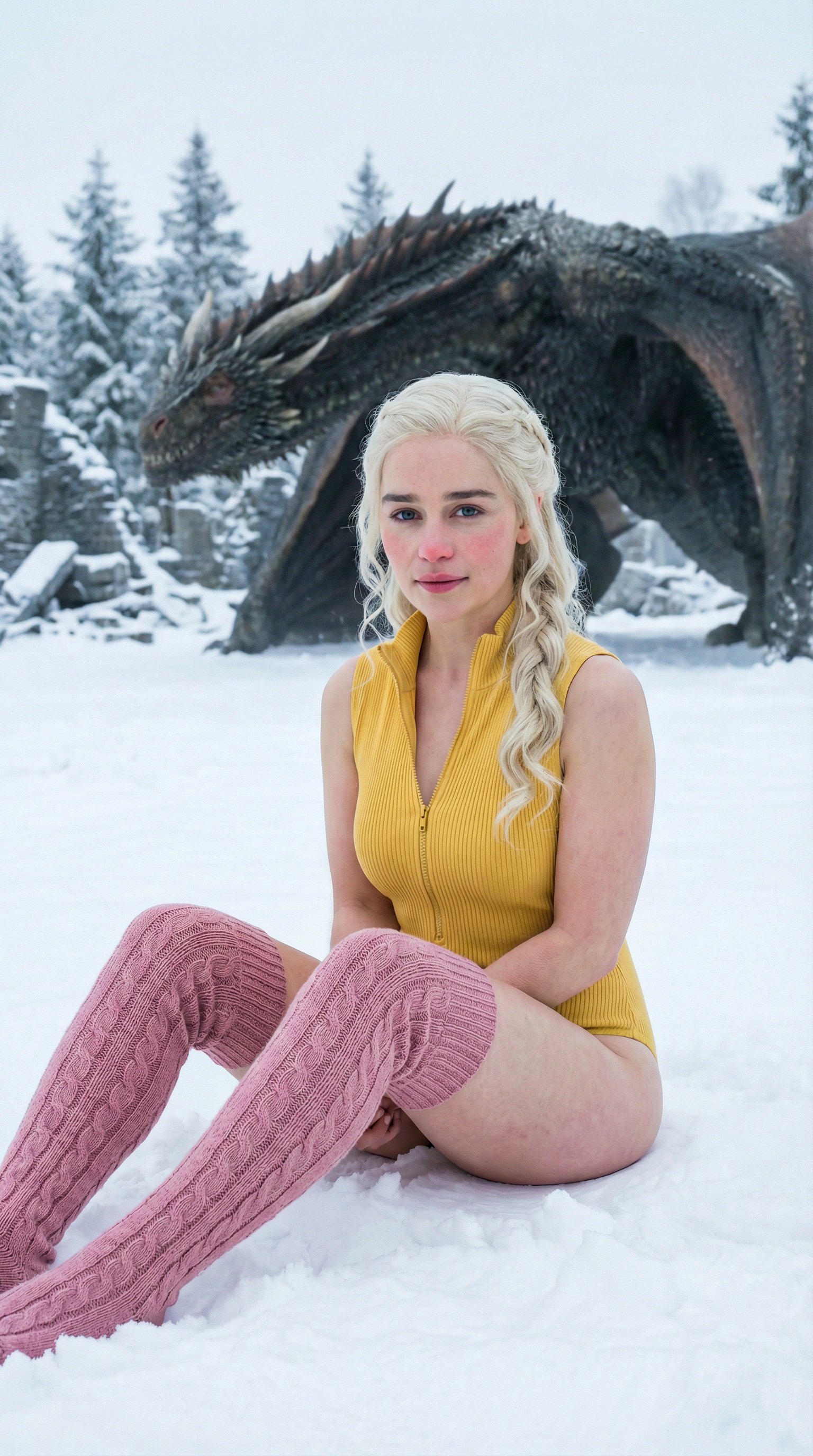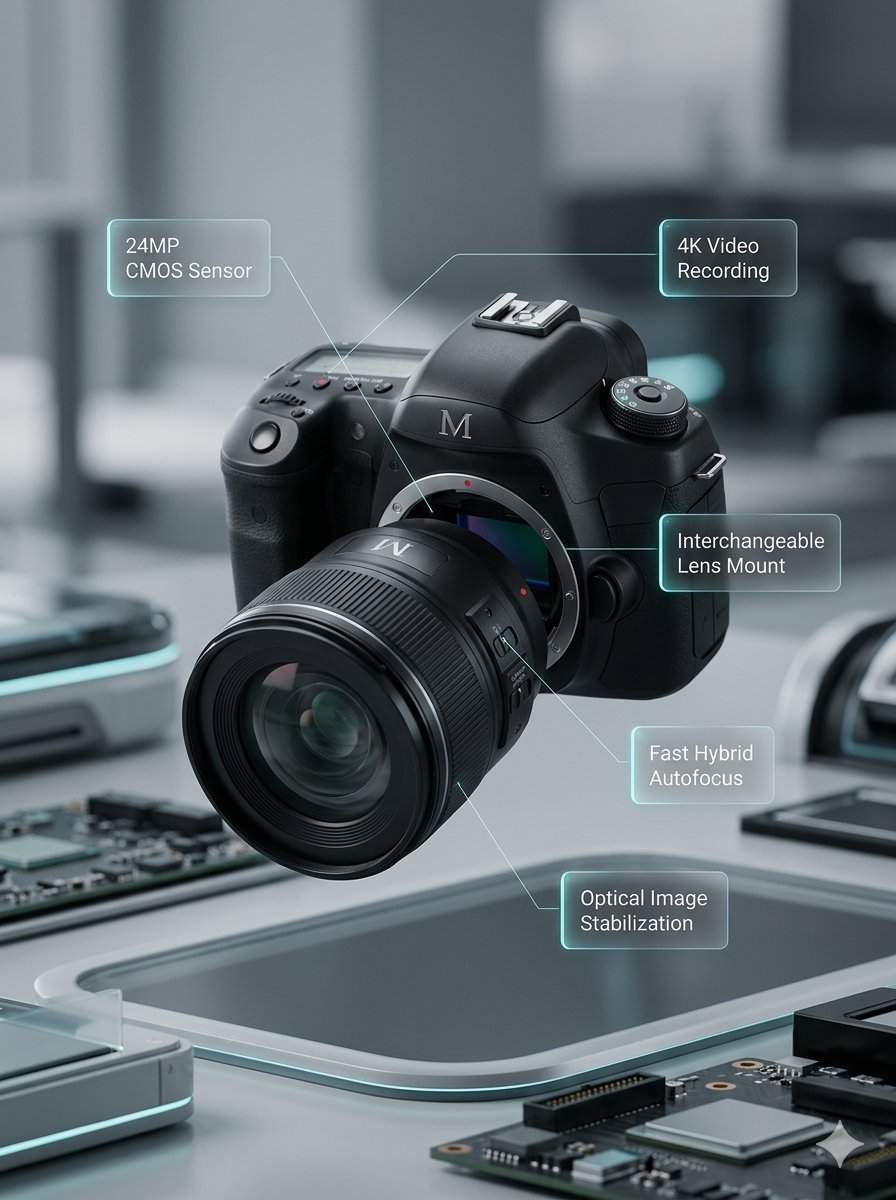
Natural-language editing
Change an image with plain instructions while preserving the parts that should stay the same.

Generate videos with Happy Horse, supporting Text to Video, Image to Video, and Reference to Video.
Published video cases from the Explore gallery.
Nano Banana 3 is useful when an image must be more than a one-off result: the subject, style, and business context need to stay under control.
Move from example browsing to generation with the three supported Happy Horse creation modes and clear per-second credit planning.
Start from a written scene description and choose duration, aspect ratio, and 720p or 1080p output.
Upload one first-frame image and use a prompt to describe how the scene should move.
Upload up to nine reference images and call them out in the prompt as character1, character2, character3, and so on.
Create short clips from 3 to 15 seconds and keep the cost predictable before submitting.
Choose 720p for lower-cost drafts or 1080p when the clip needs higher clarity.
This page intentionally focuses on generation workflows first. Video Edit is not enabled here yet.
Common uses include social clips, product motion tests, character reference drafts, and fast visual direction checks.
I use Happy Horse when I need a quick vertical or landscape motion draft from one clear visual idea.

Short Video Creator
For product teasers, it lets me test whether an image can become a usable clip before I refine copy and sound.

Indie Developer
The credit math is easy to plan because I can choose 720p or 1080p and know the per-second cost.

Course Creator
I like using reference images when I want a character idea to stay recognizable across a few quick motion tests.

Character Creator
Uploading one product frame and turning it into a short movement test helps me decide which listing visuals are worth polishing.

Marketplace Seller
It is useful for checking whether a prompt has enough motion detail before I spend time building a full social cut.

Social Media Editor
I use Happy Horse when I need a quick vertical or landscape motion draft from one clear visual idea.
Short Video Creator
For product teasers, it lets me test whether an image can become a usable clip before I refine copy and sound.
Indie Developer
The credit math is easy to plan because I can choose 720p or 1080p and know the per-second cost.
Course Creator
I like using reference images when I want a character idea to stay recognizable across a few quick motion tests.
Character Creator
Uploading one product frame and turning it into a short movement test helps me decide which listing visuals are worth polishing.
Marketplace Seller
It is useful for checking whether a prompt has enough motion detail before I spend time building a full social cut.
Social Media Editor
I use Happy Horse when I need a quick vertical or landscape motion draft from one clear visual idea.
Short Video Creator
The credit math is easy to plan because I can choose 720p or 1080p and know the per-second cost.
Course Creator
Uploading one product frame and turning it into a short movement test helps me decide which listing visuals are worth polishing.
Marketplace Seller
I use Happy Horse when I need a quick vertical or landscape motion draft from one clear visual idea.
Short Video Creator
The credit math is easy to plan because I can choose 720p or 1080p and know the per-second cost.
Course Creator
Uploading one product frame and turning it into a short movement test helps me decide which listing visuals are worth polishing.
Marketplace Seller
For product teasers, it lets me test whether an image can become a usable clip before I refine copy and sound.
Indie Developer
I like using reference images when I want a character idea to stay recognizable across a few quick motion tests.
Character Creator
It is useful for checking whether a prompt has enough motion detail before I spend time building a full social cut.
Social Media Editor
For product teasers, it lets me test whether an image can become a usable clip before I refine copy and sound.
Indie Developer
I like using reference images when I want a character idea to stay recognizable across a few quick motion tests.
Character Creator
It is useful for checking whether a prompt has enough motion detail before I spend time building a full social cut.
Social Media Editor
I use Happy Horse when I need a quick vertical or landscape motion draft from one clear visual idea.
Short Video Creator
I like using reference images when I want a character idea to stay recognizable across a few quick motion tests.
Character Creator
I use Happy Horse when I need a quick vertical or landscape motion draft from one clear visual idea.
Short Video Creator
I like using reference images when I want a character idea to stay recognizable across a few quick motion tests.
Character Creator
For product teasers, it lets me test whether an image can become a usable clip before I refine copy and sound.
Indie Developer
Uploading one product frame and turning it into a short movement test helps me decide which listing visuals are worth polishing.
Marketplace Seller
For product teasers, it lets me test whether an image can become a usable clip before I refine copy and sound.
Indie Developer
Uploading one product frame and turning it into a short movement test helps me decide which listing visuals are worth polishing.
Marketplace Seller
The credit math is easy to plan because I can choose 720p or 1080p and know the per-second cost.
Course Creator
It is useful for checking whether a prompt has enough motion detail before I spend time building a full social cut.
Social Media Editor
The credit math is easy to plan because I can choose 720p or 1080p and know the per-second cost.
Course Creator
It is useful for checking whether a prompt has enough motion detail before I spend time building a full social cut.
Social Media Editor
Early notes for Happy Horse focus on text-to-video, first-frame animation, reference images, and per-second credit planning.
These questions cover the supported Happy Horse generation modes, reference-image prompting, resolution choices, and credit calculation.
Still have a question? Email support@ai-studio.video.
This page supports text-to-video, image-to-video, and reference-to-video generation. Video Edit is not enabled yet.
Upload one first-frame image, then describe the movement or scene change you want. The output shape follows the first-frame image, so the page does not expose a separate aspect-ratio control for this mode.
Upload one to nine reference images and refer to them in order inside the prompt as character1, character2, character3, and so on. Clear references help avoid mixing visual roles.
720p video costs 10 credits per second, and 1080p video costs 18 credits per second. For example, a 5-second 720p clip costs 50 credits, while a 5-second 1080p clip costs 90 credits.
Happy Horse is new and does not have enough curated public examples yet, so this page uses the full video gallery as a broader reference set for now.
Subscribe to unlock all video and image models, plus more services.
Billed $169 USD / year
Includes
Billed $339 USD / year
Includes
Billed $856 USD / year
Includes
Choose text, image, or reference-image generation, set the duration and resolution, then submit a short video draft with predictable credits.